Client-Side vs Server-Side Image Compression: Making the Right Choice for Your Website
When it comes to optimizing images for the web, one of the fundamental decisions developers and website owners face is whether to process images on the client side or the server side. This choice affects everything from page load times to user privacy to server costs. Understanding the differences between client-side and server-side image compression is essential for making informed decisions about your website’s image handling strategy.
The debate between client-side and server-side processing isn’t new, but it has become more relevant as web applications grow more sophisticated and users expect faster, more private experiences. Browser technology has advanced dramatically, making client-side processing a viable option for many use cases. At the same time, server-side solutions continue to offer powerful capabilities that may be necessary for certain scenarios.
In this comprehensive guide, we’ll examine both approaches in detail. We’ll explore how each method works, their advantages and disadvantages, and the specific scenarios where one might be preferable over the other. We’ll also look at practical implementation considerations and help you understand which approach best suits your needs. By the end of this article, you’ll have the knowledge to make the right choice for your specific situation.
Understanding Client-Side Image Compression
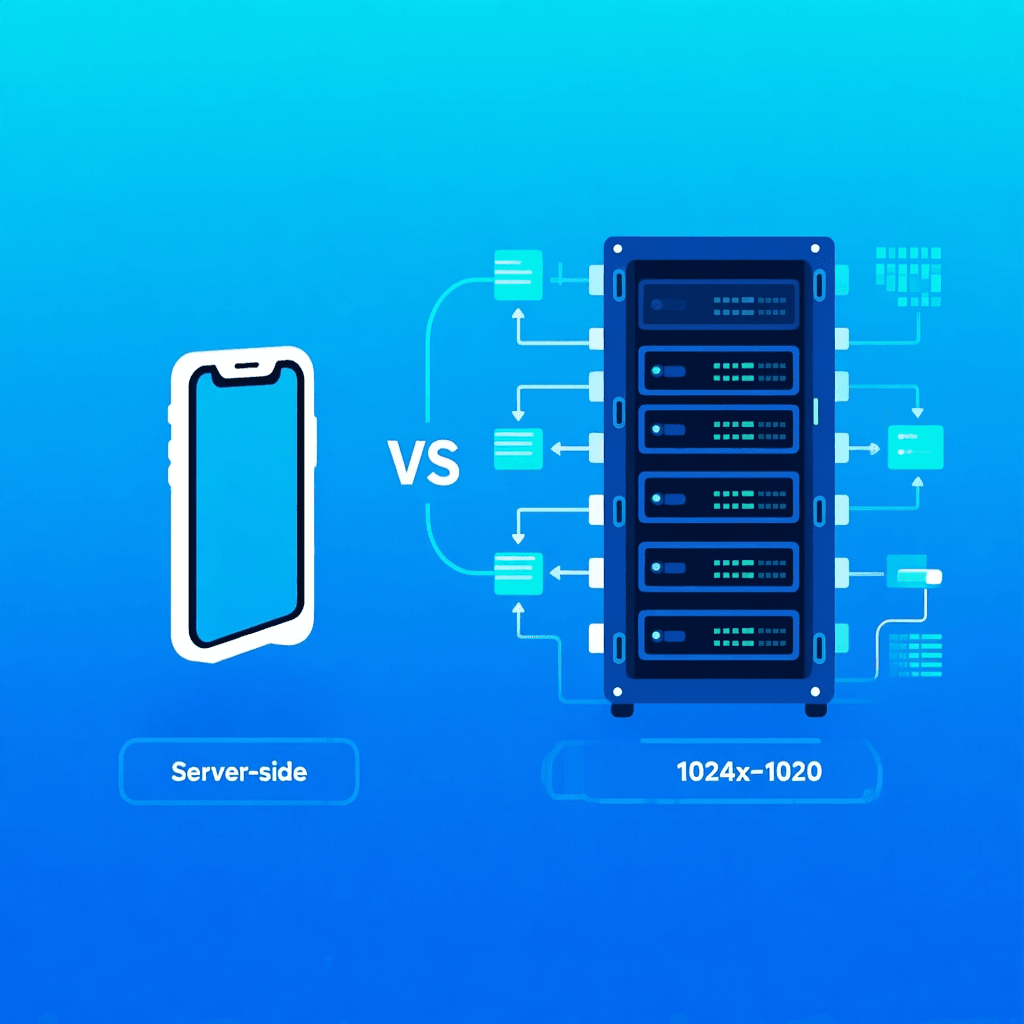
Client-side image compression happens entirely in the user’s browser. When a user uploads an image or when a page loads, the processing occurs locally on their device using JavaScript and the browser’s capabilities. This means no image data ever leaves the user’s device, creating a fundamentally different paradigm compared to server-side processing.
Modern browsers provide powerful APIs for image manipulation. The Canvas API allows developers to draw images, adjust their properties, and export them in various formats and quality levels. WebAssembly has made it possible to run highly optimized image processing algorithms directly in the browser with performance approaching native applications. These advances have transformed client-side processing from a novelty into a serious option for many image handling tasks.
The workflow for client-side compression typically works like this: the user selects an image file, the browser reads it into memory, applies compression using JavaScript or WebAssembly, and then the compressed image can be uploaded to a server or displayed immediately. This all happens on the user’s device, meaning the server never sees the original, unoptimized image. For privacy-conscious applications, this is a significant advantage.
One of the most compelling use cases for client-side compression is in tools like ZizzleUp, where users want to compress or convert images without uploading their personal photos to a server. This client-side approach ensures that sensitive images never leave the user’s device, addressing a major privacy concern that many users have with online image tools.
Understanding Server-Side Image Compression
Server-side image compression happens on the backend infrastructure rather than in the user’s browser. When an image is uploaded to a server, backend code processes it according to specified parameters and stores the optimized version for delivery. This approach has been the traditional method for image optimization and remains widely used across the web.
Server-side processing typically uses powerful libraries and tools designed for image manipulation. Languages like Python, PHP, and Node.js all have robust image processing capabilities through libraries like ImageMagick, Sharp, or GD. These tools can handle virtually any image format, apply complex transformations, and process large batches of images efficiently.
The server-side workflow usually involves receiving an uploaded image, processing it according to application requirements (resizing, compressing, converting formats), and then storing the result. When visitors request images, the server delivers optimized versions that load quickly and consume less bandwidth. Many content management systems and frameworks include server-side image optimization as a core feature.
One advantage of server-side processing is consistency. Since all processing happens in a controlled server environment, you can ensure every image meets your exact specifications regardless of the user’s device or browser. Server-side solutions also typically have access to more processing power, enabling complex optimizations that might be slow on client-side devices.
Comparing Privacy and Security
Privacy is often the most discussed difference between client-side and server-side processing, and for good reason. When images are processed on your server, you have access to that data, which creates both responsibilities and risks. Understanding the privacy implications is crucial for making the right choice for your application.
Client-side processing offers inherent privacy benefits that are difficult to replicate on the server. Images never leave the user’s device during processing, meaning you’re not collecting, storing, or potentially exposing user photos. This is particularly important for applications handling sensitive personal images, such as medical documents, financial records, or private photographs. Users increasingly understand these issues and often prefer solutions that keep their data local.
For server-side processing, you must implement proper data handling policies and security measures. This includes deciding how long to store uploaded images, who can access them, and how to protect them from unauthorized access. Even with the best security practices, there’s always some risk of data breaches. If you’re handling sensitive user data, these considerations become even more critical.
From a compliance perspective, client-side processing can simplify regulatory requirements. Regulations like GDPR have specific requirements about data collection and processing. By processing images on the client side, you may collect less personal data, potentially reducing compliance complexity. However, you should still consult with legal experts to understand your specific obligations.
Security researchers and privacy advocates generally favor client-side processing for sensitive images. The principle of data minimization – collecting only what’s necessary – aligns well with client-side approaches. When users don’t need to upload images to achieve your application’s functionality, avoiding that upload protects everyone’s interests.
Performance Considerations
Performance is another critical factor in the client-side versus server-side decision. Each approach has distinct performance characteristics that affect user experience, server load, and overall system efficiency.
Client-side processing offloads work from your servers to user devices. This can significantly reduce server costs, especially for popular applications with many users. Instead of processing thousands of images on expensive server infrastructure, you let users’ devices handle the work. For applications with variable or unpredictable traffic, this elasticity can be particularly valuable.
However, client-side performance depends heavily on user devices. A powerful desktop computer will compress images quickly, while an older mobile device might struggle with large images or complex processing. Users with slower devices might experience delays or see their batteries drain during intensive processing. It’s important to consider your target audience’s typical hardware when choosing client-side processing.
Server-side processing offers consistent performance regardless of user devices. Your servers can be optimized specifically for image processing, potentially using specialized hardware or highly efficient code. This ensures all users have the same experience quality. Server-side solutions also handle large images more efficiently, as server hardware typically has more memory and processing power than mobile devices.
Network usage differs significantly between approaches. With client-side processing, the original image stays on the user’s device, and only the compressed result needs to be uploaded (if uploading is even required). This can dramatically reduce bandwidth usage, particularly for users on limited mobile connections. Server-side processing requires uploading the full original image, which takes time and data.
Implementation Complexity
The technical complexity of implementing each approach varies significantly. Understanding what’s involved can help you make realistic plans and allocate appropriate resources.
Client-side image processing has become more accessible thanks to modern browser APIs and libraries. JavaScript libraries like Pica, Compressor.js, and Browser-image-compression make it relatively straightforward to add client-side compression to web applications. For more demanding needs, WebAssembly versions of image processing libraries provide near-native performance. Most developers with JavaScript experience can implement client-side processing without extensive additional learning.
However, client-side processing still requires careful attention to browser compatibility. While modern browsers have excellent image processing capabilities, some features may not work consistently across all browsers. Testing across different browsers and devices is essential. You also need to handle cases where JavaScript is disabled or unavailable.
Server-side implementation requires backend development skills and server infrastructure. The complexity depends on your specific requirements but typically involves setting up image processing pipelines, managing storage for original and processed images, and potentially implementing CDN integration for fast delivery. Many frameworks and content management systems include built-in image processing, which can simplify implementation significantly.
One consideration for server-side solutions is ongoing maintenance. Servers require monitoring, updates, and occasional troubleshooting. Image processing can be resource-intensive, so you need to plan for scaling as your application grows. Client-side solutions, once implemented, require less ongoing server maintenance.
Use Cases and Recommendations
Given the differences we’ve explored, let’s look at specific scenarios and which approach tends to work better. These recommendations will help you make decisions for your own projects.
Best for Client-Side Processing:
- Privacy-focused image tools where users want to compress or convert without uploading
- Applications where users edit their own images before uploading
- Situations where reducing server costs is a priority
- Mobile applications where bandwidth savings matter
- When handling sensitive personal documents or photos
- Simple resizing and format conversion tasks
Best for Server-Side Processing:
- High-volume image processing where optimization matters
- When consistent output quality across all users is critical
- Complex image transformations requiring specialized tools
- When images need to be processed in bulk
- Situations requiring formats or optimizations not easily done client-side
- When images must be processed regardless of user device capabilities
Hybrid Approaches Work Well:
Many applications benefit from combining both approaches. You might use client-side processing for initial optimization before upload (reducing upload sizes), then server-side processing for final optimization and delivery. This hybrid approach can provide the benefits of both methods while mitigating their individual limitations.
For example, a social media application might compress images on the client before upload to save bandwidth, then apply server-side optimizations for delivery at different sizes to different devices. The key is understanding what matters most for your specific use case and designing accordingly.
Making Your Decision
Choosing between client-side and server-side image compression isn’t about finding a single correct answer. The right choice depends on your specific requirements, constraints, and priorities. Let me help you think through the decision with some key questions.
Consider what matters most to your users. If privacy is paramount and users are handling sensitive images, client-side processing provides important benefits. If you need guaranteed consistent quality across all devices, server-side processing might be more appropriate. Many applications can tolerate either approach, in which case other factors become decisive.
Think about your technical resources. Do you have server infrastructure and backend development expertise? Server-side might be straightforward. Are you building a primarily client-side application? Client-side processing might integrate more naturally. The path of least resistance often works well.
Consider your scale. For small applications, client-side processing can dramatically reduce costs. For large-scale applications with millions of images, sophisticated server-side solutions often provide better long-term value despite higher initial investment.
Future needs matter too. If you anticipate adding features that require server-side processing anyway, starting with server-side might simplify your architecture. If your application is likely to remain focused on user-driven image manipulation, client-side could be ideal.
Conclusion
The choice between client-side and server-side image compression ultimately depends on your specific context. Both approaches have proven their value in production applications, and neither is universally superior. The key is understanding the trade-offs and aligning your choice with your priorities.
For privacy-conscious applications where users handle their own images, client-side processing offers compelling advantages. The peace of mind that comes from knowing user photos never leave their devices is valuable. Modern browser capabilities make implementation increasingly practical.
For applications requiring consistent, high-quality output at scale, server-side processing provides the control and reliability you need. The infrastructure investment pays off when you need sophisticated optimization or handle large volumes of images.
Many real-world applications benefit from thoughtful combinations of both approaches. The most important thing is to make an informed decision based on your actual requirements rather than assumptions or trends.
As web technologies continue to evolve, the balance may shift. Browser capabilities are advancing rapidly, making client-side processing increasingly powerful. At the same time, server-side solutions continue to innovate. Stay informed about developments in both areas to make the best choices for your users.