Choosing the right image format feels confusing sometimes. Each format has unique strengths and weaknesses. This guide will help you understand when to use PNG, JPG, WEBP, or GIF for your specific needs. You will learn about compression methods, transparency support, and practical use cases that will transform your image decisions forever.
Understanding Image Format Basics
Every image format uses different methods to store picture data. Some formats prioritize small file sizes. Others focus on preserving every detail. Your choice affects both quality and loading speed. The wrong format can make your website slow or your photos look blurry.
Digital images contain pixels arranged in a grid. Each pixel stores color information. How that color data gets encoded varies by format. Some methods work great for photos. Others excel at graphics and text. Understanding these differences helps you make smart choices consistently.
Modern formats like WEBP offer the best of both worlds. They provide better compression than older formats while maintaining quality. Browser support has improved dramatically. Many websites now serve WEBP automatically to compatible browsers. This advancement simplifies decisions for web developers.

When to Choose PNG Format
PNG (Portable Network Graphics) provides lossless compression. Every pixel remains exact after saving. This format handles transparency beautifully. You can create complex graphics with partial transparency effects. Logos, icons, and screenshots often look best in PNG.
PNG supports millions of colors through truecolor mode. However, file sizes grow large compared to compressed formats. A typical photograph saved as PNG might be ten times larger than the same image as JPG. This size difference matters for website loading times.
Use PNG when you need sharp text or line art. Screenshots of software interfaces benefit from PNG compression. Any image where pixel-perfect accuracy matters should use PNG. Our PNG to JPG converter helps when you need smaller files later.
When to Choose JPG Format
JPG (or JPEG) uses lossy compression that dramatically reduces file sizes. This format excels at photographs and complex images. You can control quality levels to balance size against appearance. Most photos online use JPG because of its efficient compression.
JPG does not support transparency. White backgrounds become solid white in most uses. This limitation matters for logos overlaying other content. Photographs work great with JPG because the format handles color gradients smoothly.
Every time you save a JPG, some quality disappears. Re-saving the same JPG compounds this loss. Always keep original files in lossless formats. Use JPG only for final distribution. Social media platforms convert uploads to JPG automatically.
When to Choose WEBP Format
WEBP delivers superior compression for most image types. You can use both lossy and lossless modes. Files are typically 25-35% smaller than equivalent JPG images. Quality remains excellent at these reduced sizes.
This modern format supports transparency like PNG. You get smaller files with full alpha channel support. Animation works in WEBP as well, offering an alternative to GIF. These features make WEBP versatile for many use cases.
Browser support covers over 95% of users worldwide. Chrome, Firefox, Safari, and Edge all handle WEBP natively. Older browsers need fallback images. You can use picture elements to serve WEBP to modern browsers while offering alternatives to older ones.
When to Choose GIF Format
GIF (Graphics Interchange Format) remains popular for animations. Short looping videos work great in GIF format. The format supports transparency but only binary transparency. Either a pixel is fully transparent or fully opaque. This limitation creates jagged edges on complex graphics.
Color palette limitation to 256 colors affects photographs. Photos often appear banded or posterized in GIF. The format uses LZW compression which is less efficient than modern alternatives. Animated WEBP files usually outperform equivalent GIFs in both size and quality.
Use GIF for simple animations and icons. Compatibility remains excellent across all platforms. Email clients and messaging apps support GIF universally. For static images, choose PNG or WEBP instead for better quality.
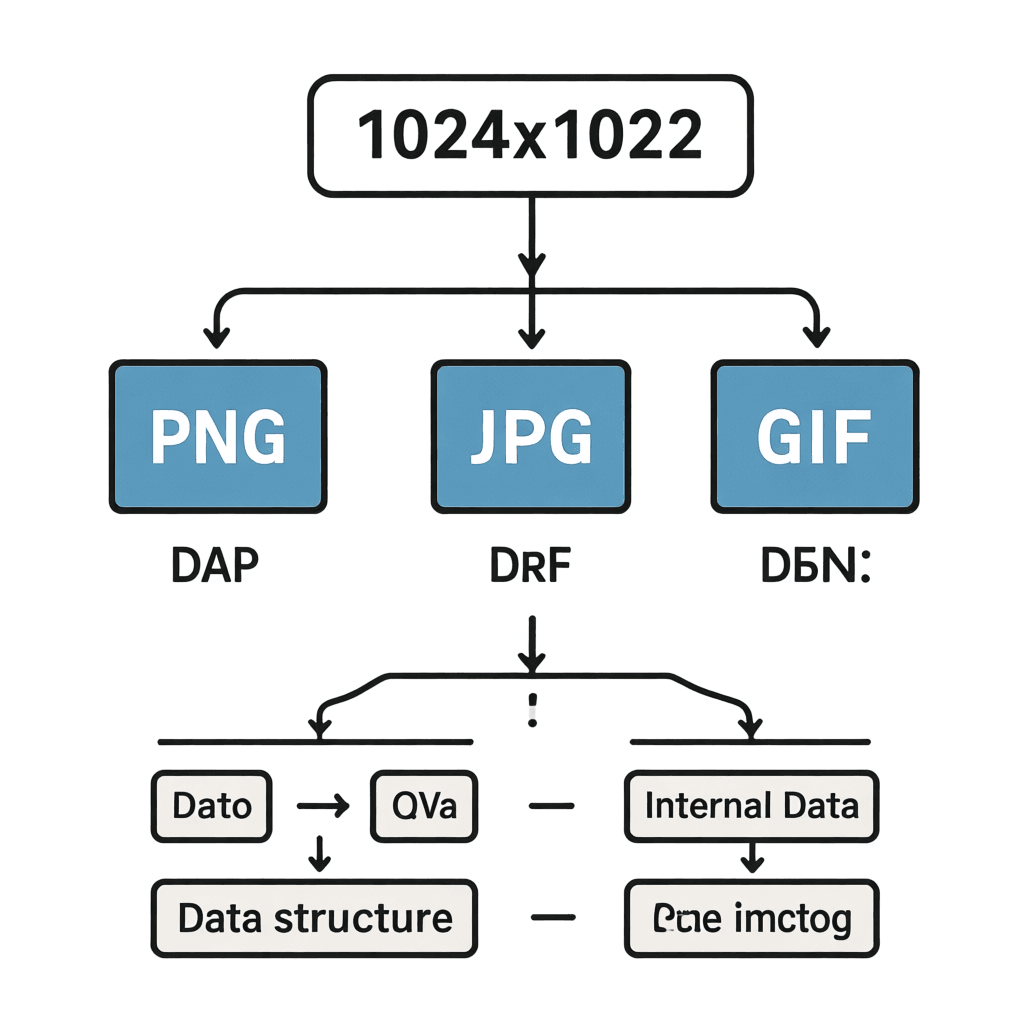
Format Comparison at a Glance
Photographs should use JPG or WEBP. WEBP offers better compression. Use image compression tools to convert between formats easily.
Graphics with transparency need PNG or WEBP. Both handle alpha channels well. WEBP provides smaller files at equivalent quality.
Animations work in GIF or WEBP. WEBP files will be smaller and higher quality. Use GIF when you need maximum compatibility.
Common Questions About Image Formats
Can I convert between formats without quality loss?
Converting from PNG to JPG always loses quality because JPG uses lossy compression. Converting from JPG to PNG gains nothing since PNG cannot recover lost data. Converting PNG to WEBP in lossless mode preserves quality while reducing file size.
Which format is smallest for photographs?
WEBP typically produces the smallest files for photographs. AVIF offers even better compression but has less browser support. For maximum compatibility, JPG remains the standard choice.
Should I use the same format for all website images?
No, different images benefit from different formats. Use PNG for logos and graphics needing transparency. Use JPG or WEBP for photographs. Choose the format that best matches each image’s characteristics.
Why do some images look grainy after saving?
Grainy appearance comes from aggressive lossy compression. Lower quality settings introduce visible artifacts. Increase the quality setting to fix this issue. Use visual comparison tools to find optimal settings.
Do I need different formats for mobile and desktop?
Modern responsive websites can serve different formats automatically. Using WEBP with fallbacks handles most scenarios. Serve smaller images to mobile devices to improve loading times.
Summary
Choosing the right image format depends on your specific needs. PNG works best for graphics, logos, and images needing transparency. JPG remains excellent for photographs with its efficient compression. WEBP offers the best combination of small size and high quality. GIF continues serving well for simple animations. Use our free image converter to switch between formats easily. Make informed decisions to keep your images looking great while loading fast.